

How fast, from a signed image?About 3 minutesThree signed images, no build and no SDK.
How many ways out?ThreeEthernet, then Wi-Fi, then cellular, in the order you set.
How fast does it fail over?15.4 secondsCable out to stream resumed, measured at an independent broker.
Cellular, while evaluating?60-minute sessionsOn your own SIM. Wi-Fi and Ethernet run without limit.
Three signed images, free with a free account: the BLE scanner (nRF52840), the uplink (ESP32), the cellular bearer (nRF9160). Wi-Fi and Ethernet run without limit; cellular runs in 60-minute sessions for evaluation. Row by row: gateway firmware.
What it is
- Closed
- Board in view
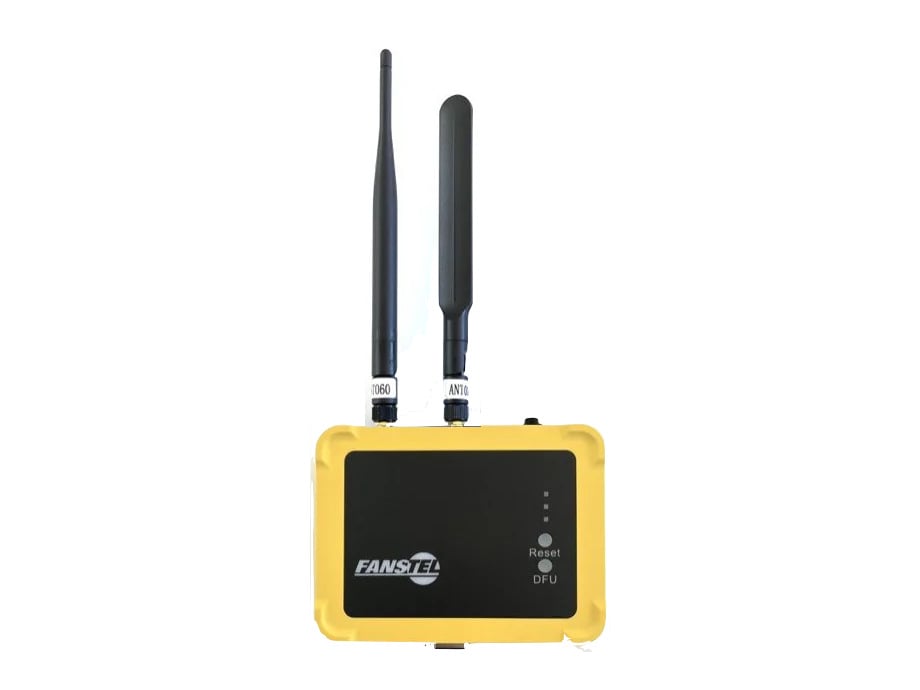
Same gateway, one more antenna: the wide one is cellular
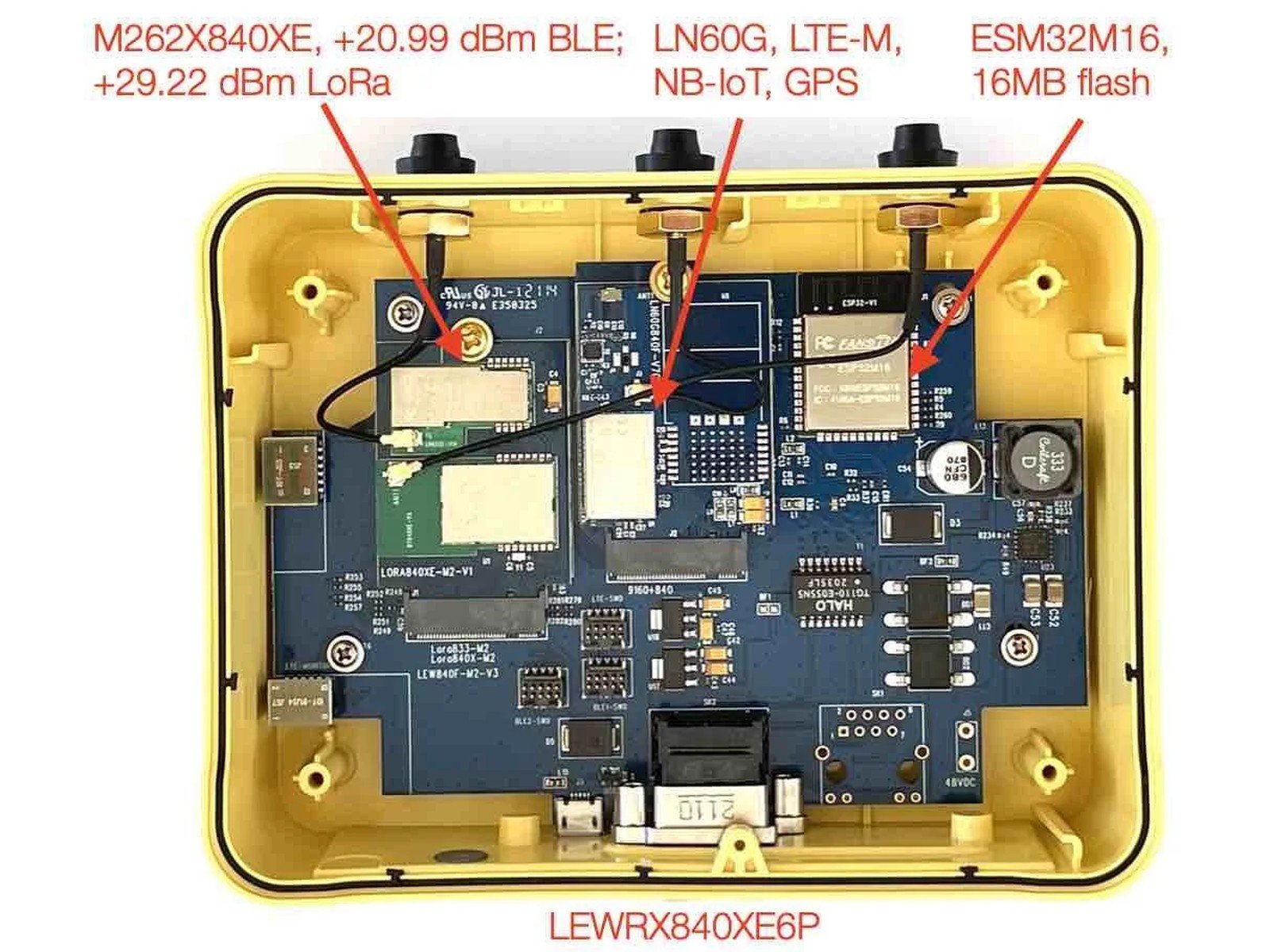
Three ways out
1
EthernetcarryingFirst choice. PoE or the DC jack, one or the other.
2
Wi-FistandbyJoined and holding an address, ready to take over.
3
CellularstandbyLTE-M or NB-IoT, registered and marked metered so the console never hides what it costs.
The whole order, walked and measured
That last row matters more than the timings. While a link is down there is no local path to ask the box how it feels, so every reading here came from a subscriber with no stake in the answer. And the rollback is the safety net that stops a unit stranding itself on the expensive link after a change nobody confirmed.
Ethernet awaystream resumed on Wi-Fi in 15.4 s
Wi-Fi awaycellular carried the traffic
Ethernet backEthernet carries again, unprompted
Self-restorean unconfirmed change rolled back after 90 s
Read atan independent subscriber, not the gateway
What you order
Find out whether your SIM is metered before you start. It changes how you test, and it is worth telling the agent at the beginning: say so once and it will ask before it spends anything.
Flash the signed images
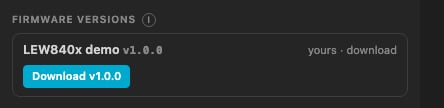
The Hardware page: the LEW840x demo, ready to download with its licence and a receipt.
1
Register, onceBrowser opens, GitHub or email, straight back. No card.
you
2
Download, then FlashOn the Hardware page the demo lands in your workspace with its licence and a receipt, each file checked against its hash. Flash starts a session that flashes from that folder.
3
Say which port is whichWhich serial port is the bridge, which probe reaches the nRF chips. Then it writes all three in order.
you
4
Bring it upThe first boot needs a wired network with DHCP: this image raises no access point. Open its console at the address the network gives it, enter your broker and your order, save.
you
nrfutil and esptool on the machine, and an Ethernet cable on a network with DHCP for the first boot. Everything else is prebuilt and signed.
What the board serves
Its own console, from its own flash. No app, no cloud account, nothing to install. This is the firmware we build and license, running with three ways out.- Is it working?
- Uplink order
- The log, over the air
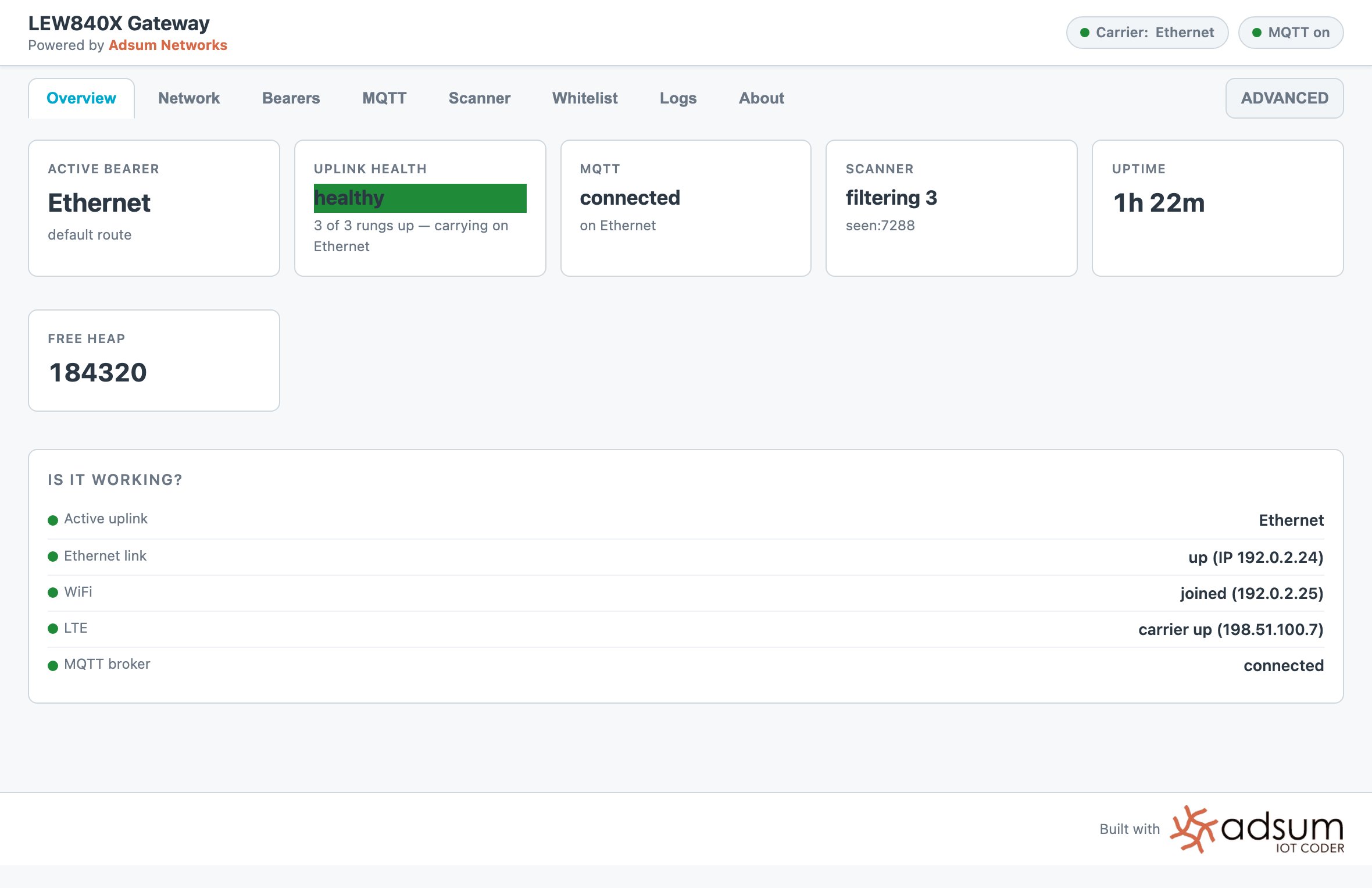
The first question anyone asks, answered without reading a log. Active uplink, each link's state and address, and whether the broker is connected.
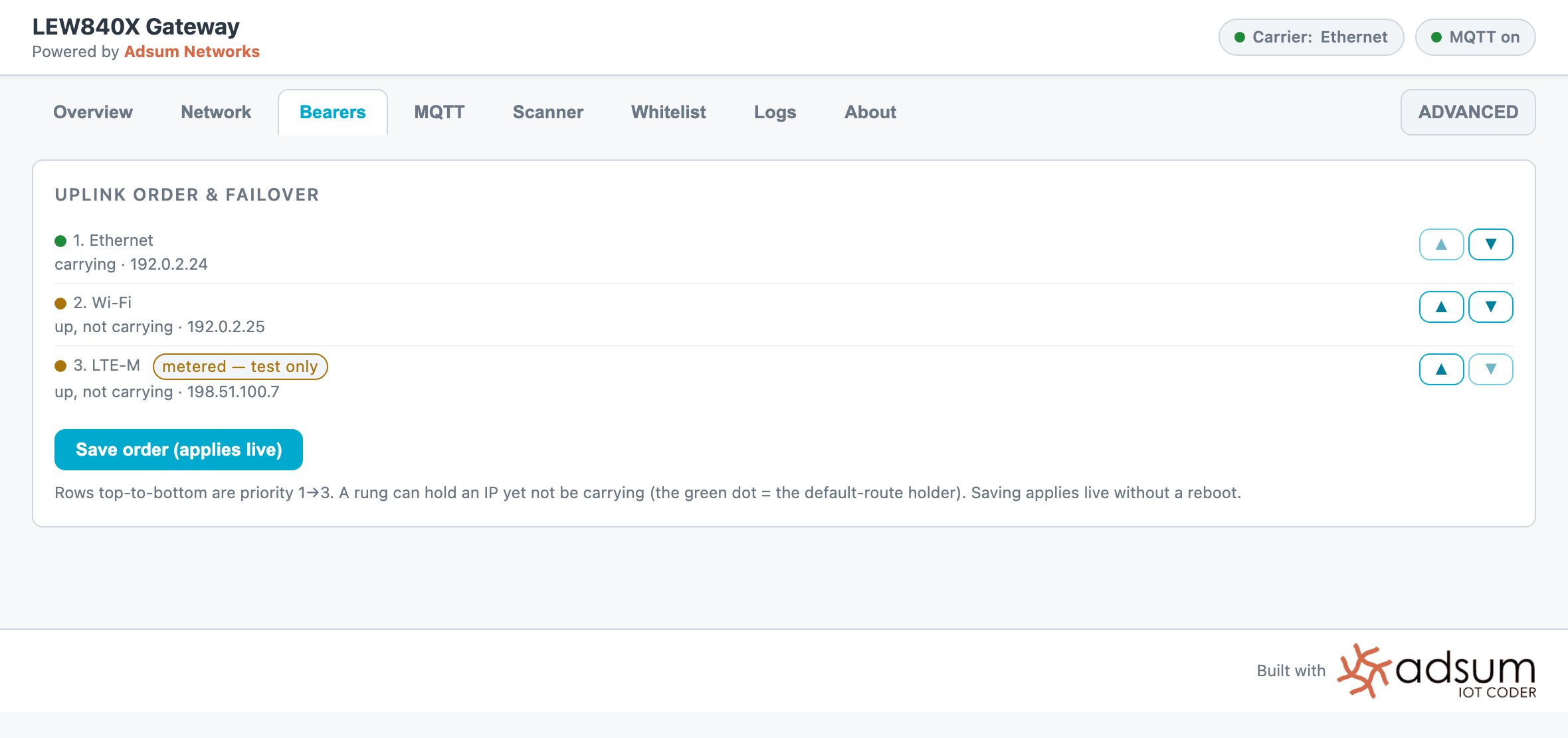
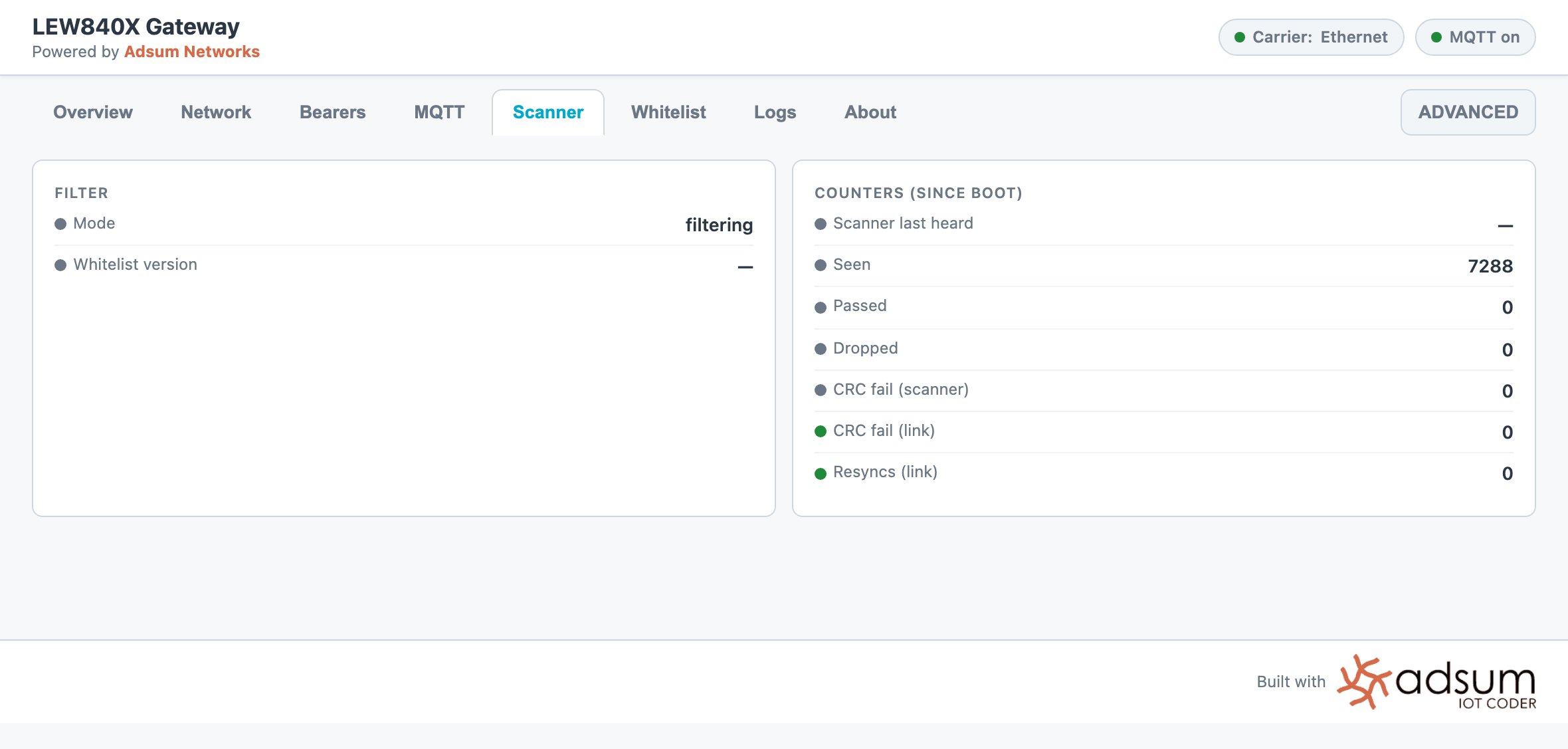
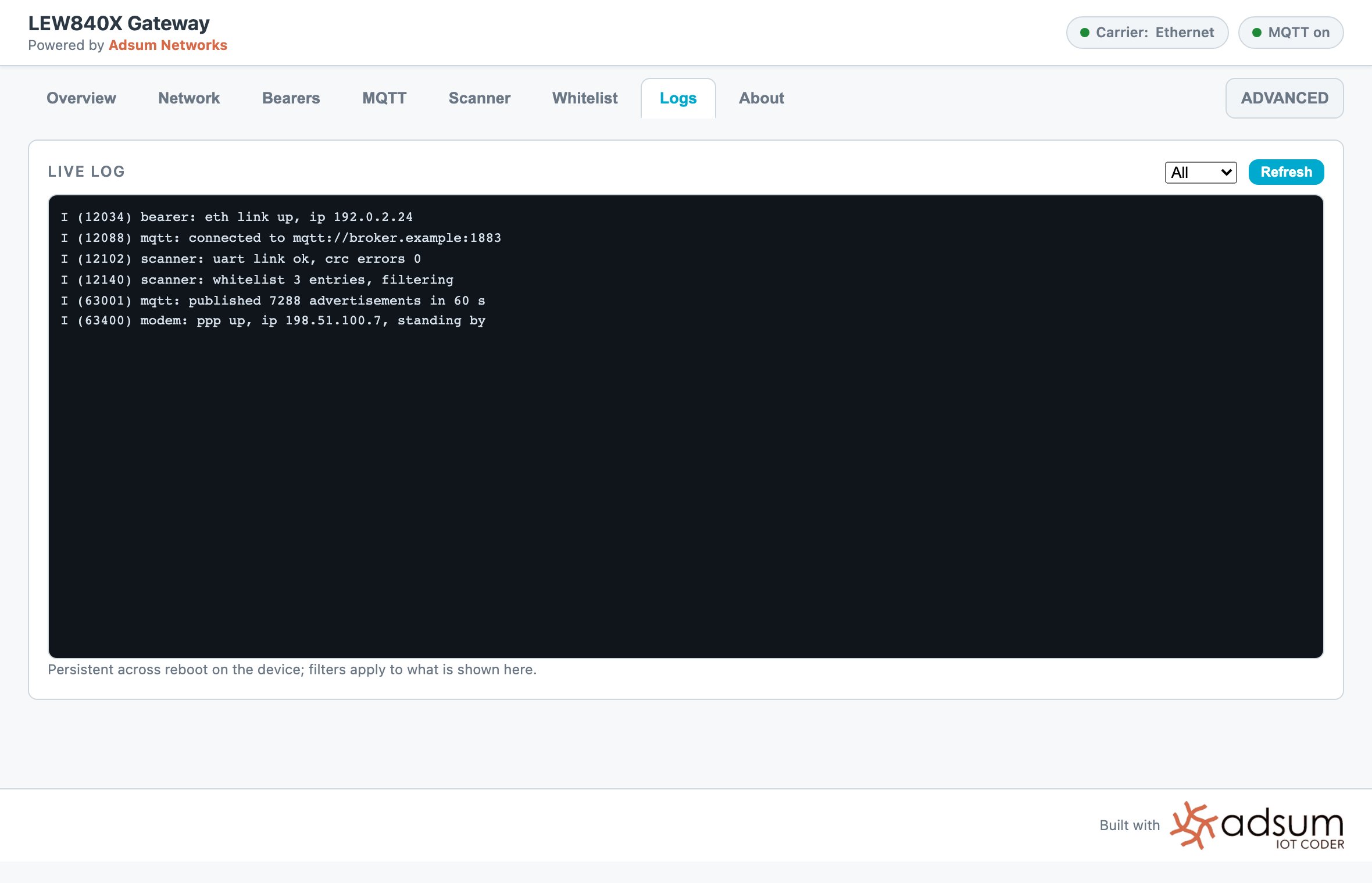
What this build does not do yet
- No over-the-air updates. The partition table is ready for them, but there is no update path yet, so a firmware change still means a trip to the box.
- The broker connection is plain TCP. TLS needs a clock first. See CRA readiness.
- Standby on cellular is not free. A link that carries nothing still costs roughly four kilobytes an hour in keepalives. Small on most plans, dominant on a plan measured in megabytes a month. Lengthening that interval is the next thing to tune.
- LTE-M or NB-IoT is chosen on the modem. There is no control path from the console to change it, so the console shows those settings disabled with the reason on screen rather than offering a control that cannot take effect.
From evaluation to your product
These images are yours to judge the hardware and the firmware on your own network, with your own devices and your own broker. When it does what you need, the same firmware is licensed source, module by module, yours to change and to ship. Ask from Settings › Account › Request template source.Gateway firmware, row by row
What exists today, signed images and licensed source, and what is next.
Build this one from scratch
The same gateway, described in a prompt and built in front of you.
Cellular IoT on nRF91
NB-IoT, LTE-M and GNSS bring-up, and the modem trace, when you go past the images.
When the air disagrees
The log says one thing and the radio says another. Three layers, one answer.