

Where the agent sits, and what it loads
You, in VS CodeYou approve every step.
The agentPlans, edits, runs, and reads the results back, on the model you chose.
Expert knowledge, loaded for this taskWhat a symptom means, and the tools that capture, decode and scan.
Your toolchainThe vendor SDKs and probes already on your machine.
Your boardThe real one, on your desk.
And back again. Logs, bus traces, radio captures and fault dumps return to the agent. That return path is the whole difference. A tool that only reads your code never sees any of it.
Knowledge bits and Tool bits
Both are scoped narrowly, versioned, credited to the engineer who wrote them, and loaded only when a task needs them.How knowledge is scoped
A task pulls only what it needs, widest to narrowest: always on, then the silicon family, then the SDK, then the protocol, then the board, then the product. A new silicon family is ordinary work rather than a special case, so the roadmap can add one without touching the agent.What the tools cover
Which tool answered a question is named in your session at the moment it runs. Every tool bundled in the extension is open source under Apache-2.0. Adsum’s own commercial tools, such as CRA scanning and cellular, arrive the same way when a task needs them.
Credited, in your session
Load a Knowledge bit or a Tool bit, and a credit line appears in the conversation. Click it and you see who curated it and who maintains it.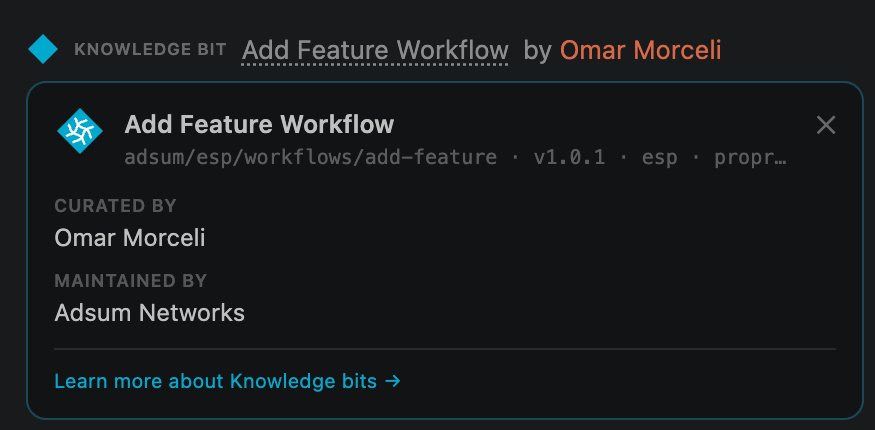
A credit line in a live session, and the provenance it opens.