
Put a secure, working IoT product in front of customers in weeks, not quarters. Prove its value early.
Adsum IoT Coder is an AI coding agent for embedded IoT, augmented with expert knowledge that was verified on real hardware by engineers who have shipped. It reads your whole bench, not only your code, and you approve every step. Try it now, with no key, no account and no card.
How fast, from nothing?Under 2 hoursFrom an empty folder to a working gateway on the real board.
How fast, from a signed image?About 3 minutesFlash it and watch live data reach your own broker.
Better than a general agent?4× the bugs fixedOn the first flash, same model, real hardware. Open benchmark.
What does it cost to try?NothingNo key, no account, no card.
Four open-hardware gateways built this way, and more coming
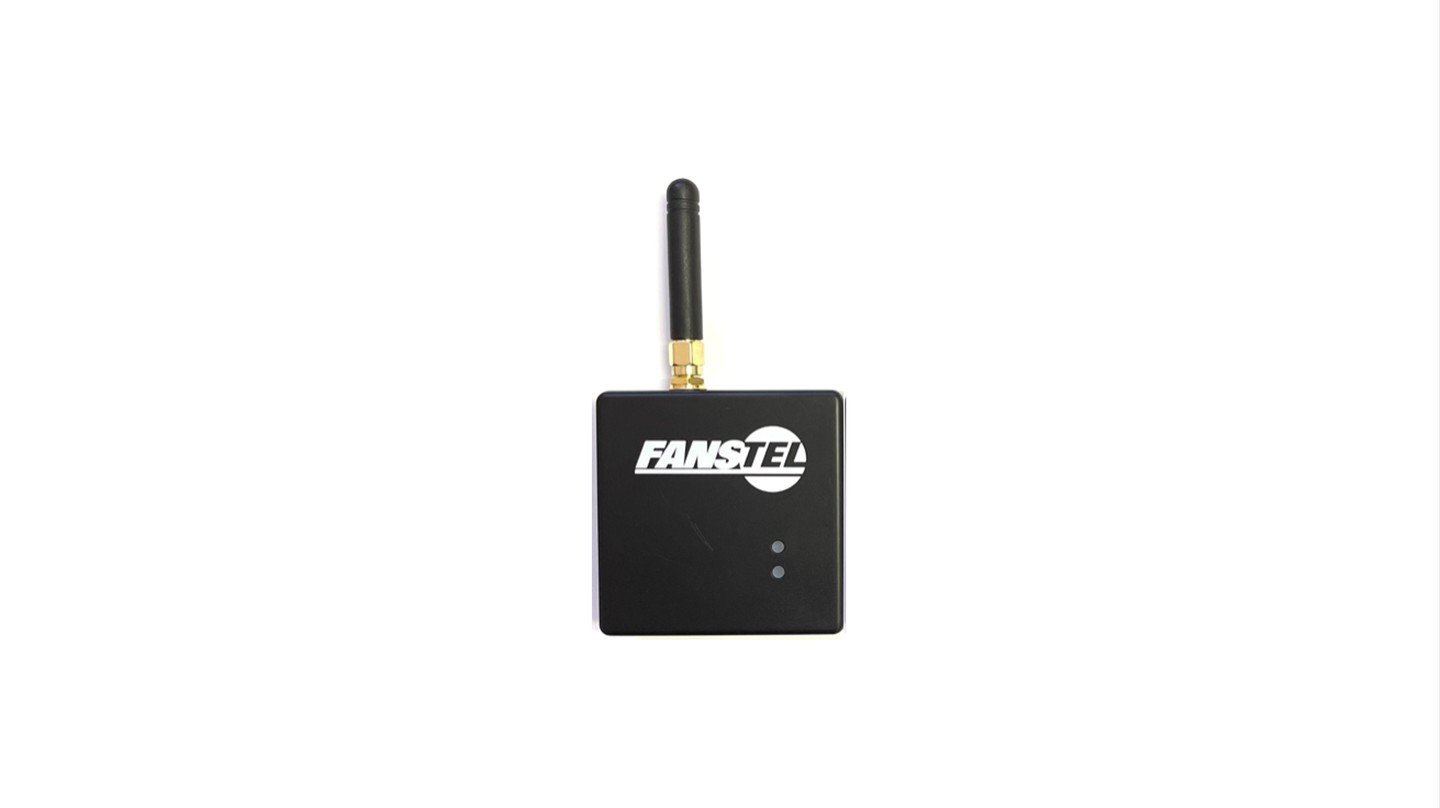
BWG840x: BLE to Wi-Fi
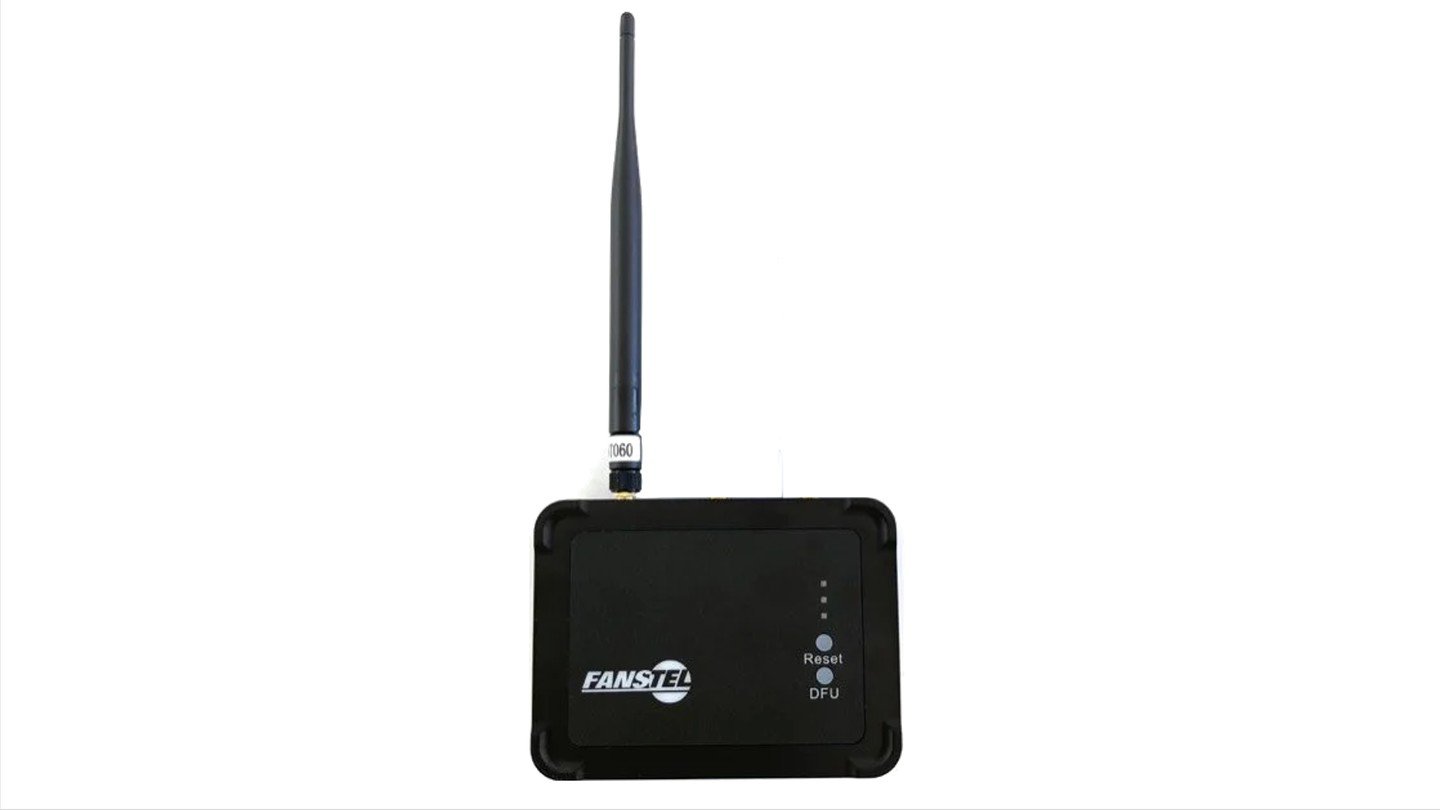
LEW840x: BLE to Wi-Fi and Ethernet
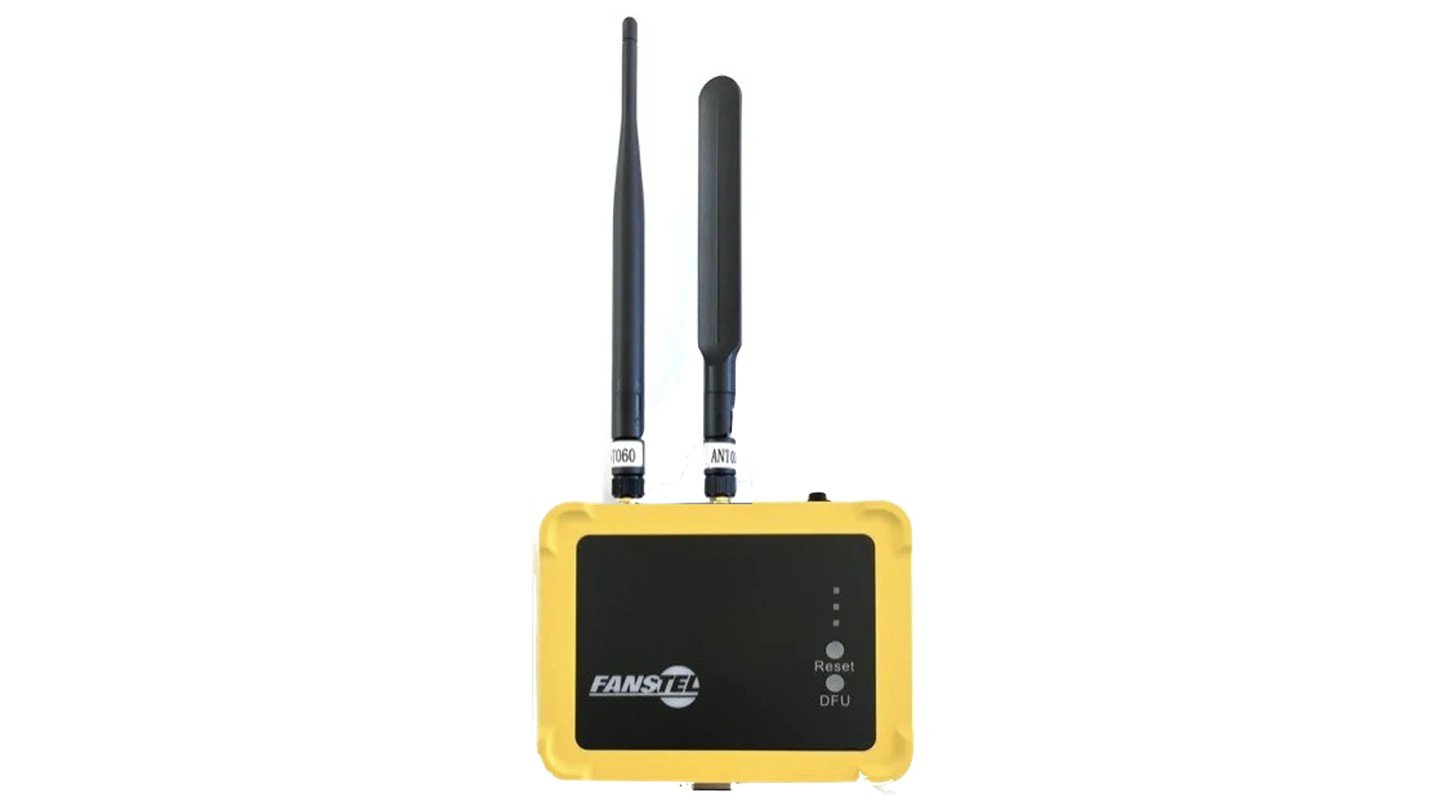
LEW840x: BLE to Wi-Fi and Ethernet, plus cellular
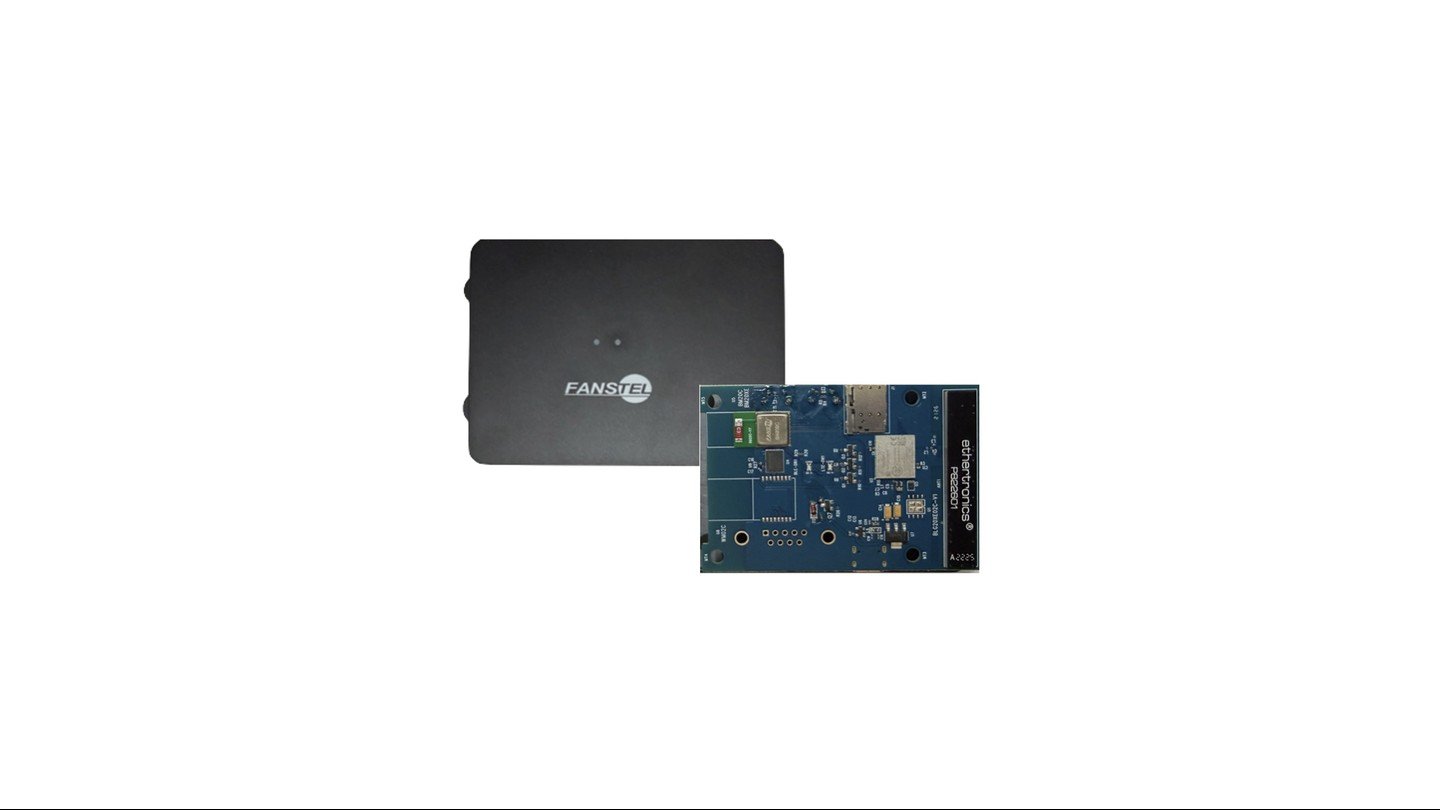
BLG20x: BLE 6 to Wi-Fi 6, cellular and satellite NB-NTN. Coming soon.
How it works
One open agent in your editor, plus expert knowledge that loads only for the task in front of it. That knowledge was written and verified on real boards by named engineers. It is not a chatbot reading a datasheet. See the architecture. Found on the bench, not in the field. A gateway build that compiled clean and heard nothing. Thirty-six advertisements on the air, none received, and every log read fine. The radio front end had never been switched on. See how it was found.What you can have, and when
Minutes
Flash a signed image, to judge itYours: a licence to run it on your own network, with your own devices and your own broker, and prove its value before you spend anything.
Minutes
Flash the same image, to deploy itYours: a licence to deploy it as it is, with no firmware work at all. It stays your deployment.
Under 30 min
Build from licensed sourceYours: the source, module by module, to change and to ship. Your changes stay yours.
Under 2 hours
Build it from scratchYours: the architecture as well as the code. You decided how it works.
Each time is to a first working version on real hardware. Start anywhere, and move between them.
Your chip
Any board built on these chips, your own design included. Open a folder and the agent says what it found and what is still missing before you write a line. Supported hardware.
What it does
Start a prototype, add a feature, debug BLE or Wi-Fi against the running board, bring a modem up, or run a CRA readiness check on a real build. Every workflow.Measured, not claimed
Adsum IoT Coder and Claude Code, head to head on the same model, on six BLE bugs, on real nRF hardware. Adsum fixed more of them on the first flash, on fewer tokens, and anyone can rerun it. The benchmark. Evaluating this for a regulated product? What stays on your machine, and what a CRA readiness check is and is not.Already using it? Workflows, models, troubleshooting. Run the free sample. No board, no key, no account, no card.