> ## Documentation Index
> Fetch the complete documentation index at: https://docs.adsumnetworks.com/llms.txt
> Use this file to discover all available pages before exploring further.
# Cellular IoT on nRF91
> NB-IoT, LTE-M and GNSS on nRF9160, nRF9161 and nRF9151, with a board shell and a modem trace for the part that usually goes wrong: bringing the modem up.
Cellular firmware is not hard to write. It is hard to **bring up**. The code compiles, the board boots, and then the modem sits there not attaching, and nothing in the application log says why, because the reason is inside the modem and the modem does not log to your console.
Adsum ships two tools for exactly that gap, and curated knowledge for the three development kits.
Cellular is delivered from the registry, not baked into the extension, so it reaches you when it is ready rather than when the next release ships. All of it is authored by **Omar Morceli**.
The cellular runs need a [free account](/account): LTE-M / NB-IoT gateway, satellite NB-NTN bring-up on the nRF9151, and nRF91 modem bring-up. Register once, inside the extension, with GitHub or email. BLE, Wi-Fi and Ethernet work without it. Working cellular firmware for the LEW840x, as signed images and licensed source, is on [gateway firmware](/gateway-firmware); flashing the images, step by step, is on [the cellular LEW840x page](/supported-hardware/fanstel/lew840x-cellular).
 ## What is supported
| | |
| :-------------------------------- | :--------------------------------------------------------------- |
| **Silicon** | nRF9160 · nRF9161 · nRF9151 |
| **Boards with curated knowledge** | nRF9160 DK · nRF9161 DK · nRF9151 DK |
| **Radio** | LTE-M (Cat-M1) · NB-IoT (Cat-NB1/NB2) |
| **Positioning** | GNSS, including the modem's single-antenna time-sharing with LTE |
| **SDK** | nRF Connect SDK (Zephyr) |
| **Tools** | `board-shell` · `modem-trace` |
nRF91 sits under the nRF platform rather than beside it, so an nRF91 project uses the same [build, flash, log](/workflows) and [CRA](/cra-readiness) workflow as an nRF52 project. Nothing new to learn to get started. See [chips and protocols](/supported-hardware) for everything else the agent supports, and [getting started](/getting-started) for setup.
## LTE-M or NB-IoT
This is the first decision, it is made in your `prj.conf`, and getting it wrong costs a week. Both are 3GPP low-power cellular on the same chip, and they are not interchangeable.
| | **LTE-M** | **NB-IoT** |
| :---------------------- | :--------------------------------------------- | :------------------------------------------------- |
| Best for | Moving devices, larger payloads, lower latency | Fixed devices, small periodic reports, deep indoor |
| Throughput | Hundreds of kbps | Tens of kbps |
| Mobility | Handover while moving | Cell reselection only, no handover |
| Coverage | Good | Better, notably below ground and inside metal |
| Attach time | Seconds | Can be tens of seconds, by design |
| Voice / firmware images | Practical | Painful |
Neither works if your operator does not run it in that cell. Coverage maps are per-technology, and a SIM that attaches on LTE-M in one country may only find NB-IoT in the next. Check the operator before blaming the firmware. This is the single most common cause of "the modem will not attach".
## The board shell
An interactive shell into the running board, over the same serial link you already have. It speaks two languages at once: **AT commands** to the modem and **Zephyr shell** commands to the application.
That matters because the two answer different questions. `AT+CEREG?` tells you whether the network has accepted you. `AT+CESQ` tells you whether you can hear the tower at all. The Zephyr side tells you what your own code did about it. Bringing a modem up means moving between those two constantly, and the agent runs the commands, reads the replies, and knows what the numbers mean rather than handing you a manual.
The curated AT reference is a bit of its own, so the meanings of the response codes stay correct as Nordic revises the modem firmware. Both are covered alongside the rest in [Tool bits](/tool-bits).
## The modem trace
When the shell is not enough, the modem trace is the layer below it: a capture from inside the modem itself, of the network signalling your application never sees.
This is where the real answers live. A device that will not attach is failing at a specific step, and the step names the fix:
* **No signal at all**: antenna, band configuration, or you are asking for a technology this cell does not run
* **Signal, no attach**: SIM, APN, or a PLMN the operator will not accept you on
* **Attach, then immediate detach**: usually credentials or a subscription that is not provisioned for the technology
* **Attach, no data**: APN accepted but the PDN context is wrong
The agent captures the trace, reads it, and reports the step that failed in those terms. When the failure is in your own code rather than the network, the [3-layer debug](/ble-debug) is the equivalent for radio work. Reading a raw modem trace by hand is a specialist skill; this is precisely the kind of thing that should not be a prerequisite for shipping a product.
## GNSS
The nRF91 has a GNSS receiver in the same modem as the LTE radio, sharing one RF path. That single fact causes most GNSS surprises:
* **The first fix is slow.** A cold start with no assistance data can take minutes under an open sky, and does not complete at all through a roof. Test outdoors before concluding anything.
* **LTE and GNSS take turns.** The modem cannot receive both at once, so an aggressive reporting interval starves the fix it is trying to report.
* **Assistance data changes the picture.** Supplying it turns minutes into seconds, and it has to come from somewhere.
The curated GNSS knowledge covers getting a first fix and the LTE coexistence that decides whether you ever get one.
## Power, and why the device died in a month
A cellular sensor's battery life is set almost entirely by how the modem sleeps between reports, not by how efficient your application code is.
**PSM** (power saving mode) lets the device tell the network it will be unreachable for a long stretch, and lets the modem power down almost completely without re-attaching afterwards. **eDRX** keeps it reachable, but only in scheduled windows. You request both; the network decides what you actually get, and it may grant less than you asked for. Firmware that assumes it received what it requested is the usual cause of a field battery life that misses the estimate by an order of magnitude, and the shell shows you what was actually granted.
## Two things ship as knowledge but need hardware you may not have
**NTN, NB-IoT over satellite.** The curated knowledge ships, and so does the modem firmware: Nordic publishes it. The gate is the silicon. It runs only on an nRF9151 of the **LACA A1A** revision, and Nordic states plainly that it will not run on LACA A0A, the nRF9161, the nRF9131 or the nRF9160. Check the label on the module before you order.
**DECT NR+, licence-exempt 5G mesh.** Here the firmware is the gate: the knowledge ships, and the modem image comes from Nordic sales rather than from the website.
Both are real and both are written up. Neither is something you can try this afternoon unless you already have the parts, and we would rather say so here than let you find out after a purchase order.
## Starting a cellular project
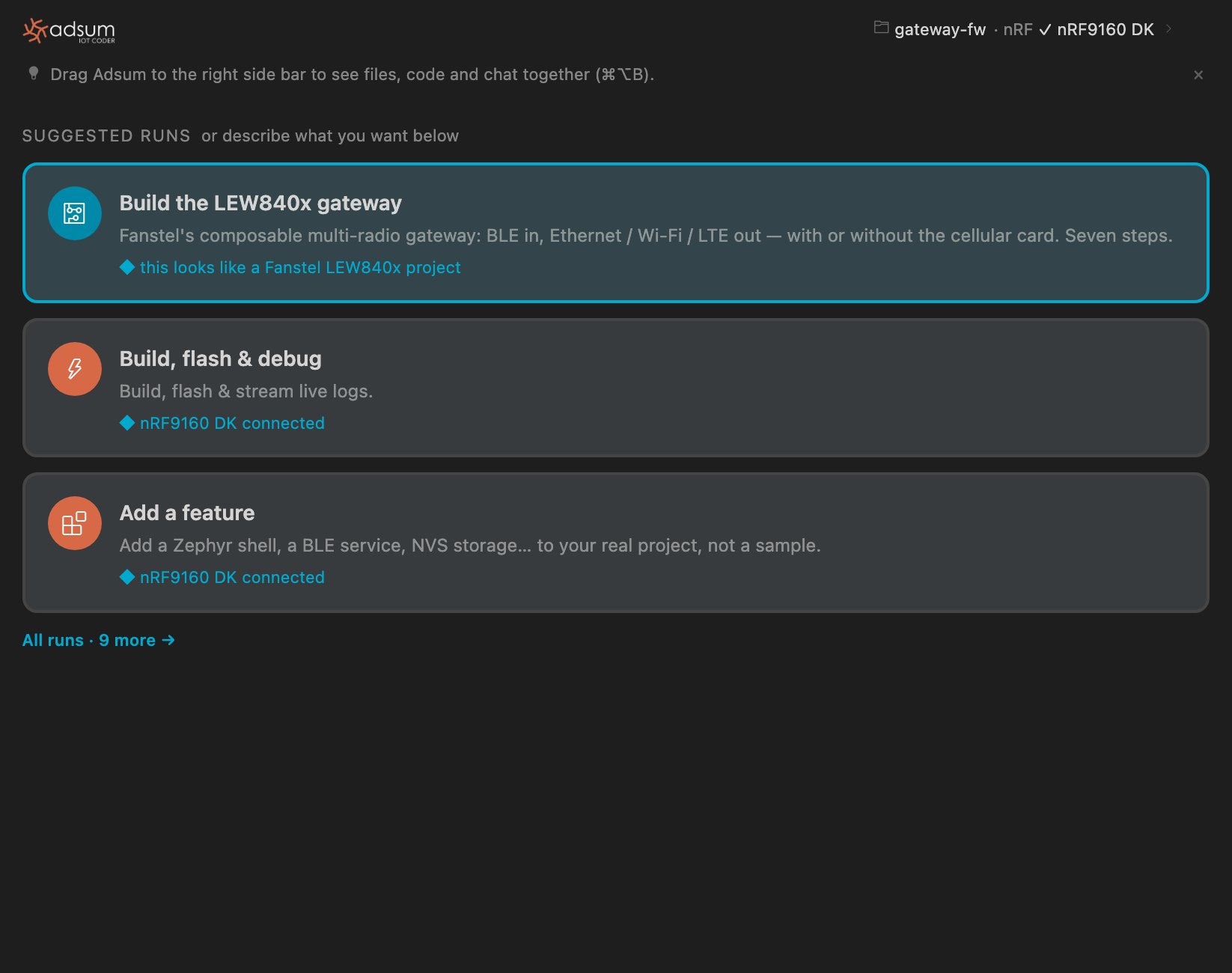
Name the board (nRF9160 DK, nRF9161 DK or nRF9151 DK) and the behaviour. The board knowledge loads with it.
It is a `prj.conf` decision with consequences for antenna, power budget and operator. Decide it deliberately.
The same build and flash workflow as any other nRF board. Then use the board shell to confirm registration rather than guessing from application logs.
The modem trace names the step that failed. Fix that step rather than changing settings at random.
A connected device is in scope for the [Cyber Resilience Act](/cra-readiness). The SBOM, CVE scan and posture check work the same on an nRF91 build.
Everything else the agent supports, and what is coming.
The board shell and modem trace alongside the loggers, sniffer and decoders.
## What is supported
| | |
| :-------------------------------- | :--------------------------------------------------------------- |
| **Silicon** | nRF9160 · nRF9161 · nRF9151 |
| **Boards with curated knowledge** | nRF9160 DK · nRF9161 DK · nRF9151 DK |
| **Radio** | LTE-M (Cat-M1) · NB-IoT (Cat-NB1/NB2) |
| **Positioning** | GNSS, including the modem's single-antenna time-sharing with LTE |
| **SDK** | nRF Connect SDK (Zephyr) |
| **Tools** | `board-shell` · `modem-trace` |
nRF91 sits under the nRF platform rather than beside it, so an nRF91 project uses the same [build, flash, log](/workflows) and [CRA](/cra-readiness) workflow as an nRF52 project. Nothing new to learn to get started. See [chips and protocols](/supported-hardware) for everything else the agent supports, and [getting started](/getting-started) for setup.
## LTE-M or NB-IoT
This is the first decision, it is made in your `prj.conf`, and getting it wrong costs a week. Both are 3GPP low-power cellular on the same chip, and they are not interchangeable.
| | **LTE-M** | **NB-IoT** |
| :---------------------- | :--------------------------------------------- | :------------------------------------------------- |
| Best for | Moving devices, larger payloads, lower latency | Fixed devices, small periodic reports, deep indoor |
| Throughput | Hundreds of kbps | Tens of kbps |
| Mobility | Handover while moving | Cell reselection only, no handover |
| Coverage | Good | Better, notably below ground and inside metal |
| Attach time | Seconds | Can be tens of seconds, by design |
| Voice / firmware images | Practical | Painful |
Neither works if your operator does not run it in that cell. Coverage maps are per-technology, and a SIM that attaches on LTE-M in one country may only find NB-IoT in the next. Check the operator before blaming the firmware. This is the single most common cause of "the modem will not attach".
## The board shell
An interactive shell into the running board, over the same serial link you already have. It speaks two languages at once: **AT commands** to the modem and **Zephyr shell** commands to the application.
That matters because the two answer different questions. `AT+CEREG?` tells you whether the network has accepted you. `AT+CESQ` tells you whether you can hear the tower at all. The Zephyr side tells you what your own code did about it. Bringing a modem up means moving between those two constantly, and the agent runs the commands, reads the replies, and knows what the numbers mean rather than handing you a manual.
The curated AT reference is a bit of its own, so the meanings of the response codes stay correct as Nordic revises the modem firmware. Both are covered alongside the rest in [Tool bits](/tool-bits).
## The modem trace
When the shell is not enough, the modem trace is the layer below it: a capture from inside the modem itself, of the network signalling your application never sees.
This is where the real answers live. A device that will not attach is failing at a specific step, and the step names the fix:
* **No signal at all**: antenna, band configuration, or you are asking for a technology this cell does not run
* **Signal, no attach**: SIM, APN, or a PLMN the operator will not accept you on
* **Attach, then immediate detach**: usually credentials or a subscription that is not provisioned for the technology
* **Attach, no data**: APN accepted but the PDN context is wrong
The agent captures the trace, reads it, and reports the step that failed in those terms. When the failure is in your own code rather than the network, the [3-layer debug](/ble-debug) is the equivalent for radio work. Reading a raw modem trace by hand is a specialist skill; this is precisely the kind of thing that should not be a prerequisite for shipping a product.
## GNSS
The nRF91 has a GNSS receiver in the same modem as the LTE radio, sharing one RF path. That single fact causes most GNSS surprises:
* **The first fix is slow.** A cold start with no assistance data can take minutes under an open sky, and does not complete at all through a roof. Test outdoors before concluding anything.
* **LTE and GNSS take turns.** The modem cannot receive both at once, so an aggressive reporting interval starves the fix it is trying to report.
* **Assistance data changes the picture.** Supplying it turns minutes into seconds, and it has to come from somewhere.
The curated GNSS knowledge covers getting a first fix and the LTE coexistence that decides whether you ever get one.
## Power, and why the device died in a month
A cellular sensor's battery life is set almost entirely by how the modem sleeps between reports, not by how efficient your application code is.
**PSM** (power saving mode) lets the device tell the network it will be unreachable for a long stretch, and lets the modem power down almost completely without re-attaching afterwards. **eDRX** keeps it reachable, but only in scheduled windows. You request both; the network decides what you actually get, and it may grant less than you asked for. Firmware that assumes it received what it requested is the usual cause of a field battery life that misses the estimate by an order of magnitude, and the shell shows you what was actually granted.
## Two things ship as knowledge but need hardware you may not have
**NTN, NB-IoT over satellite.** The curated knowledge ships, and so does the modem firmware: Nordic publishes it. The gate is the silicon. It runs only on an nRF9151 of the **LACA A1A** revision, and Nordic states plainly that it will not run on LACA A0A, the nRF9161, the nRF9131 or the nRF9160. Check the label on the module before you order.
**DECT NR+, licence-exempt 5G mesh.** Here the firmware is the gate: the knowledge ships, and the modem image comes from Nordic sales rather than from the website.
Both are real and both are written up. Neither is something you can try this afternoon unless you already have the parts, and we would rather say so here than let you find out after a purchase order.
## Starting a cellular project
Name the board (nRF9160 DK, nRF9161 DK or nRF9151 DK) and the behaviour. The board knowledge loads with it.
It is a `prj.conf` decision with consequences for antenna, power budget and operator. Decide it deliberately.
The same build and flash workflow as any other nRF board. Then use the board shell to confirm registration rather than guessing from application logs.
The modem trace names the step that failed. Fix that step rather than changing settings at random.
A connected device is in scope for the [Cyber Resilience Act](/cra-readiness). The SBOM, CVE scan and posture check work the same on an nRF91 build.
Everything else the agent supports, and what is coming.
The board shell and modem trace alongside the loggers, sniffer and decoders.